What is Robots.txt? Have you ever heard of it? If not, then today is good news for you because today I am going to provide you with some information about Robots.txt.
If you have a blog or website, you must have noticed that sometimes information we don’t want becomes public on the internet. Do you know why this happens? Why many of our best content doesn’t get indexed for a long time? If you want to know the secret behind all this, then you must read this article on What is Robots.txt carefully, so you will learn about it all by the end of the article.
Robots metatags are used to tell search engines which files and folders on a website should be visible to the public and which should not. However, not all search engines know how to read metatags, so many Robots metatags go unnoticed without being read. The best way to do this is to use the Robots.txt file, which can easily inform search engines about your website or blog’s files and folders.
So today, I thought, why not give you all the details about Robots.txt so that you don’t have any trouble understanding it later? So, what are you waiting for? Let’s get started and find out what Robots.txt is and what its benefits are.
What is Robots.txt
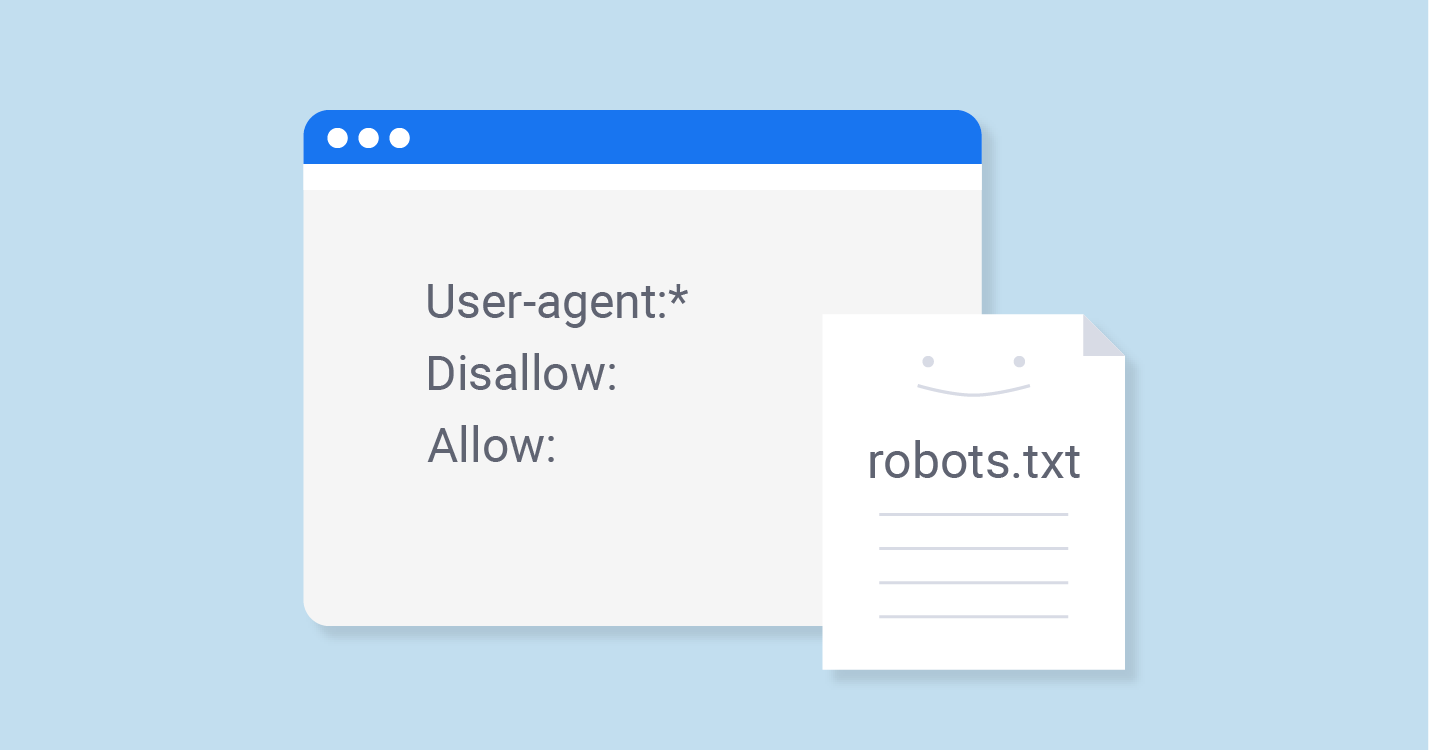
Robots.txt is a text file that you place on your site so that you can tell search robots which pages on your site they should visit or crawl and which they should not.
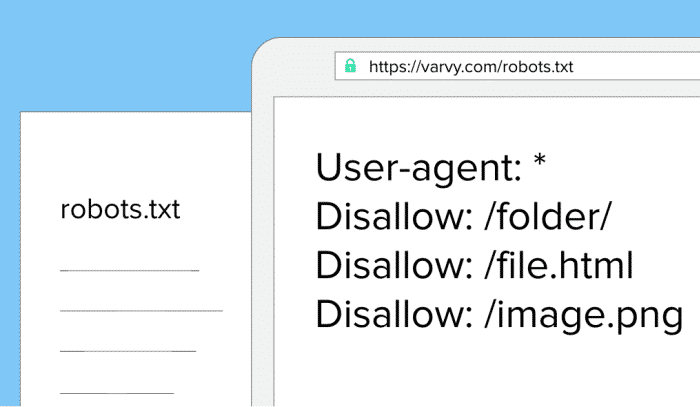
While it’s not mandatory for search engines to follow Robots.txt, they do pay attention to it and don’t visit pages and folders mentioned in it. Therefore, Robots.txt is very important. Therefore, it’s crucial to keep it in the main directory so that search engines can easily find it.
It’s important to note that if this file isn’t properly implemented, search engines will assume you haven’t included the robot.txt file, which could lead to your site’s pages not being indexed.
This small file is therefore extremely important; if not used properly, it can lower your website’s ranking. Therefore, it’s crucial to have a thorough understanding of it.
How does it work?
Whenever search engines or web spiders visit your website or blog for the first time, they first crawl your robot.txt file, as it contains all the information about your website, including what should be crawled and what should be. They then index the pages you specify, so that your indexed pages appear in search engine results.
Robots.txt files can be very beneficial to you if:
- If you want search engines to ignore duplicate pages on your website,
- If you don’t want them to index your internal search results pages,
- If you don’t want search engines to index certain pages you specify,
- If you don’t want them to index certain files, such as images, PDFs, etc.,
- If you want search engines to know where your sitemap is located,
How to create a robots.txt file
If you haven’t yet created a robots.txt file on your website or blog, you should do so as soon as possible, as it will prove very beneficial for you in the future. To create it, you’ll need to follow a few instructions:
- First, create a text file and save it as robots.txt. You can use NotePad if you’re using Windows or TextEdit if you’re using a Mac, and then save it as a text-delimited file.
- Upload it to your website’s root directory, which is a root-level folder also called “htdocs” and appears after your domain name.
- If you use subdomains, you’ll need to create a separate robots.txt file for each subdomain.
What is the syntax of Robots.txt
In Robots.txt, we use some syntax that is very important to know.
- User-Agent: The robot that follows these rules and to which they are applicable (e.g., “Googlebot,” etc.)
- Disallow: Using this means blocking pages from bots that you don’t want anyone else to access. (You need to write “disallow” before each file.)
- Noindex: Using this means that search engines will not index pages that you don’t want to be indexed.
- A blank line should be used to separate all User-Agent/Disallow groups, but make sure there are no blank lines between the two groups (there should be no gap between the User-Agent line and the last Disallow line).
- The hash symbol (#) can be used to mark comments within a robots.txt file, where anything preceded by the # symbol will be ignored. It is primarily used for whole lines or the end of lines.
- Directories and filenames are case-sensitive: “private”, “Private”, and “PRIVATE” are completely different for different search engines.
Let’s understand this with an example. I’ve written about it below.
- The robot “Googlebot” here does not have any disallowed statements written in it, so it is free to go anywhere.
- Here, the entire site has been disabled where “msnbot” is used.
- All robots (other than Googlebot) are not allowed to view the /tmp/ directory or directories or files called /logs, as explained below through comments, e.g., tmp.htm,
/logs or logs.php.
User-agent: Googlebot
Disallow:
User-agent: msnbot
Disallow: /
# Block all robots from tmp and logs directories
User-agent: *
Disallow: /tmp/
Disallow: /logs # for directories and files called logs
Advantages of using Robots.txt
While there are many benefits of using robots.txt, I’ve highlighted some of the most important benefits everyone should know about.
- Using robots.txt can keep your sensitive information private.
- Robots.txt can also help prevent canonicalization problems or maintain multiple canonical URLs. This problem is also commonly known as the “duplicate content” problem.
- You can also help Google Bots index your pages with it.
What if we don’t use the robots.txt file?
If we don’t use a robots.txt file, then search engines are not restricted on where to crawl and where not to, so they can index everything they find on your website.
This is true for many websites, but if we talk about good practice, then we should use a robots.txt file because it makes it easier for search engines to index your pages, and they don’t have to visit all the pages again and again.
What did you learn today?
I sincerely hope that I’ve provided you with complete information about Robots.txt, and I hope you’ve understood Robots.txt. I urge all readers to share this information with their neighbors, relatives, and friends, spreading awareness and benefiting everyone. I need your support so I can share more information with you.
It’s always my endeavor to help my readers in every way possible. If you have any doubts about Robots.txt, please feel free to ask. I’ll definitely try to resolve them.
How did you like this article on “What is Robots.txt?” Please let us know in the comments so we can learn from your thoughts and improve.