
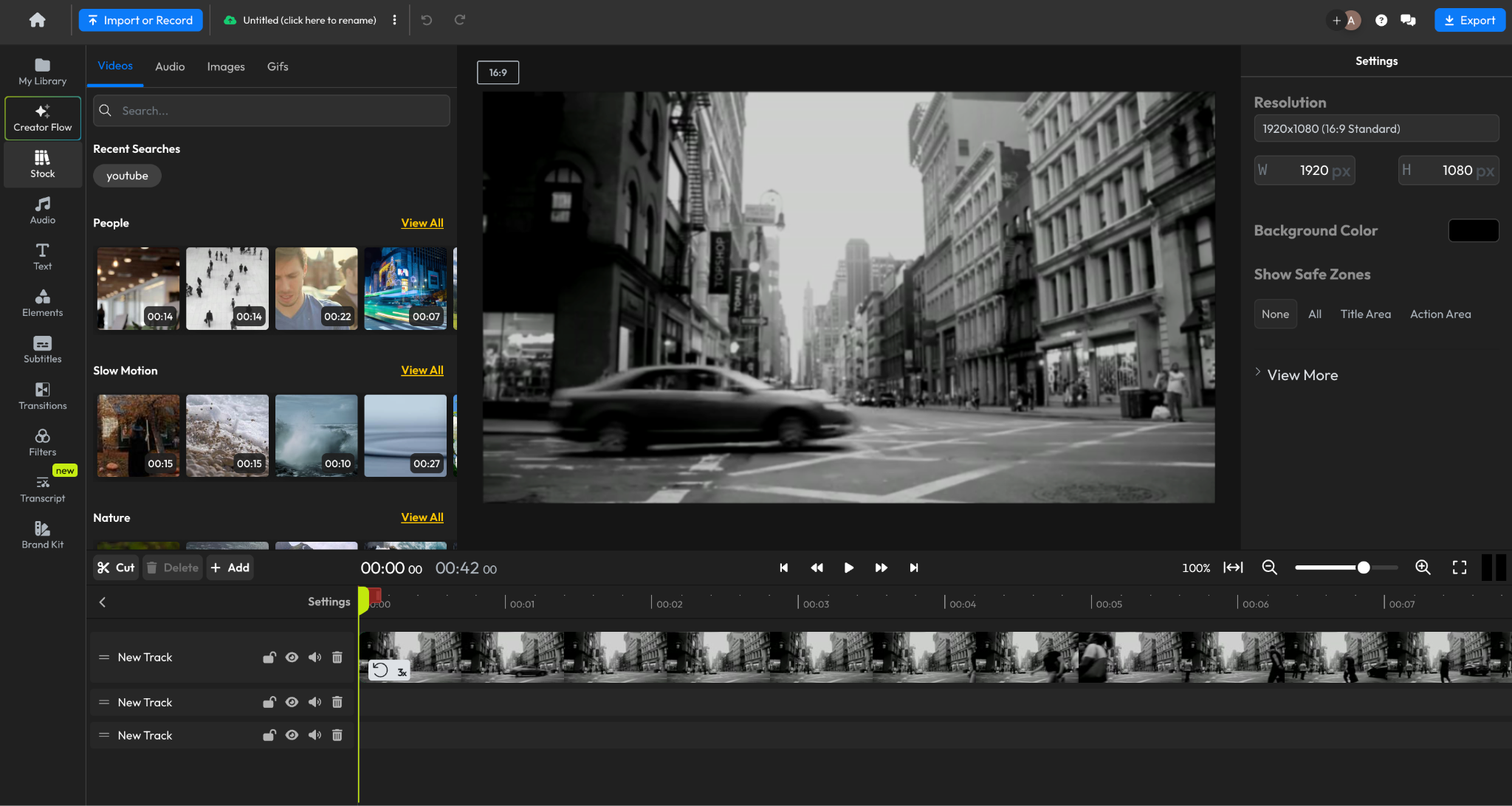
Do you want to know how to edit videos? If so, do you already have all the necessary information about video editing? If not, don’t worry, you’ll need to read our entire article. Because in today’s article, I’m going to provide you with complete information about how to edit videos.
So, if you also want to edit videos, first you will need to create a good video. If you have already created a good video on your phone, then you will need to download or install a video editing app on your smartphone. Now, you can easily edit any video using this application.
What we mean is that you can add effects to your video according to your preferences, and you can also add songs of your choice. You can also easily change the background music of the video. As you may have noticed, you’ve seen many beautiful videos on social media platforms like WhatsApp, Facebook, and Instagram.
But have you ever wondered how these videos look so beautiful? If you don’t know, let me tell you that the videos you see on social media look so beautiful because they have been edited. The good news is that you don’t need a computer, laptop, or even an editing expert to edit these videos.
In fact, your smartphone is enough for video editing. Yes, you can easily edit videos using your smartphone and make your videos attractive. If you also want to learn how to edit videos on your smartphone or want to earn money through video editing, then be sure to stay with us until the end of the article.
What things should you keep in mind for video editing?
Do you also want to do video editing? If yes, then let me tell you that the process of video editing is very simple. In today’s post, I will share information about simple ways to edit videos.
Therefore, before following the video editing steps, you need to carefully read the steps given below. These are as follows:
Before editing your video, you need to shoot your video very well. While shooting your video, you need to make sure that the songs you want to use in your video are already downloaded on your phone.
If you want to use any video clip or another video in your video, then you will need to have that video ready as well. Set up how you want to start the video beforehand. This will prevent any problems during video editing.
So, these are some important things you need to keep in mind before vlog editing.
How to Edit Videos on Mobile
If you want to edit videos on your mobile phone or smartphone, the process is quite simple. Now, in my following post, I will tell you about some methods that you can follow to edit any video on your smartphone effectively. These are as follows:
- First, you will need to download or install a video editing app.
- Then, open the app and select the video you want to edit.
- After selecting the video, you will need to choose a theme.
- Then, select the song you want to add.
- Now you will need to select another video (if needed).
To edit a video effectively, you just need to follow the 5 important steps given above. So, do you want to know more about these steps in detail? If yes, then read the following post carefully.
How to Edit Videos with KineMaster
Currently, KineMaster is one of the best video editing apps for Android, iPhone, and iPad. If you want to learn how to edit videos in KineMaster, follow the steps given below.
- Install a Video Editing App
If you want to edit your videos to make them more appealing, you will first need to install a video editing application on your phone. I recommend installing the KineMaster Video Editing App on your smartphone.
By installing this application, you can easily edit your videos and make them more attractive. You can download this application from the Google Play Store on your smartphone. After opening the app, you will see many of its features.
- Open the KineMaster App
After installing the KineMaster app on your phone, you need to open it. Then you will need to select the video you want to edit.
- Choose a Suitable Theme for the Video
After installing the KineMaster app and selecting the video, you will need to choose a suitable theme for it. Doing this will make your video as attractive as other videos.
For your information, you will find a good theme within the app itself. You will also need to add a title for the video.
- Select Music
If you want to use a different song in your video, you can easily do so. You can also easily change the background music of your video.
- Select Another Video (Optional)
After selecting the music, if you want to add another video to your existing video, you can do so to make your video even more appealing.
Which is the best app for video editing on mobile?
Do you also want to edit videos using your smartphone? If yes, are you looking for the best app that can help you with video editing? If so, then the following article will be very important for you.
Because in the following article, we are going to share information about the best video editing apps. These are as follows…
- Kinemaster Application
- Video Editor
- Filmora Go Video Editor
- InShot Video Editor
- YouCut Video Editor
- VN Video Editor
- VivaCut Pro Video Editor
- Power Director Video Editor
- Quick Video Editor
- VITA Video Editor
How to learn video editing?
If you want to earn a good amount of money through video editing, you can pursue a diploma or a related course.
Which is the best app for video editing?
While there are many great apps for video editing, if you want our recommendation, you can use the Kinemaster app for video editing.
Can video editing be done online?
Yes friends, you can easily edit videos online. You will find many websites that allow you to edit videos online. For example, clideo.com, kapwing.com, invideo.io, and canva.com.
Conclusion
I hope you liked our post on “How to do Video Editing”. In today’s article, I have provided you with detailed information about how to edit videos.
Also, if you have any questions related to today’s post on how to edit videos, you can ask them in the comments.