
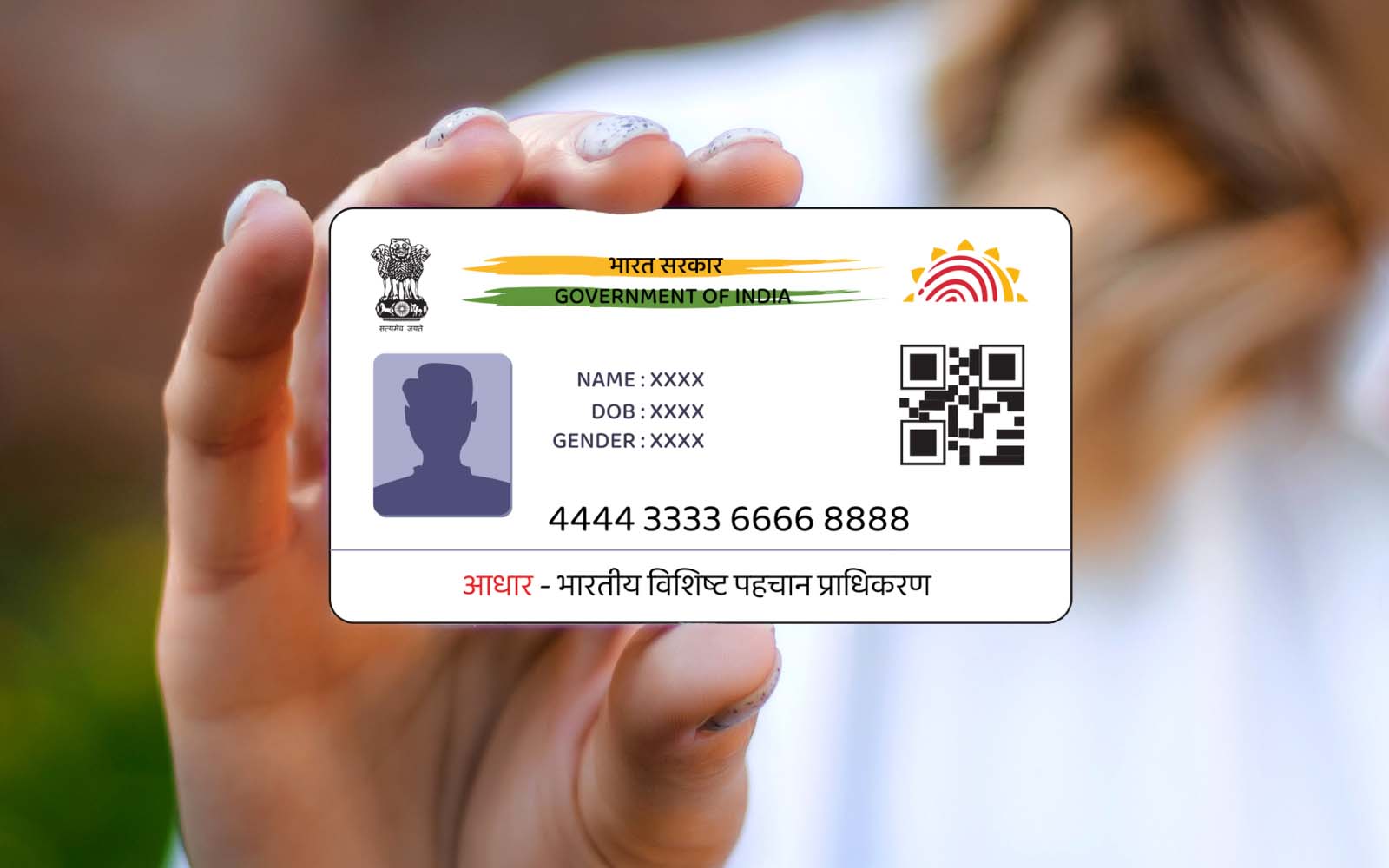
If you want to get an Aadhaar card for yourself or a family member, this post will provide you with complete information on how long it takes to get an Aadhaar card these days.
There was a time when the process of getting an Aadhaar card was quite complicated! But today, you can easily apply for an Aadhaar card online or at a nearby Aadhaar center. Similarly, while it used to take a long time to get an Aadhaar card, that’s no longer the case.
Nowadays, the Aadhaar card application process is completed quickly, and the Aadhaar card is delivered to your home by post within a few days. So, let’s find out how many days it takes for the Aadhaar card to arrive at your home after applying for it.
How long does it take to get an Aadhaar card?
According to UIDAI, an Aadhaar card is generated within 3 months of the application date. During this period, your Aadhaar card is created and sent to your home address via post office.
However, generally, you receive your Aadhaar card within 15 to 30 days of applying. Sometimes it may take longer, so if you have enrolled for an Aadhaar card, please wait for 90 days; you will receive your new Aadhaar card.
What to do if you haven’t received your Aadhaar card even after applying multiple times?
In such a situation, it’s possible that your Aadhaar card has been generated but you haven’t received it through the post office yet.
Such problems are rare, but if you or a loved one faces this issue, you can check the status of your Aadhaar card online.
https://resident.uidai.gov.in/check-aadhaar
Click on the link above and enter your enrollment ID on the page, then fill in the captcha.
Now, tap on the “Check Status” button to find out if your Aadhaar card has been generated.
If it has been generated, you can download it online and get a printout from a nearby print shop.
Another option is to visit an Aadhaar center with your enrollment slip. There, you will be given information about the status of your Aadhaar card and a printout of your Aadhaar card. You can also read here about how long it takes for an Aadhaar card to be updated.
How to create an Aadhaar Card online?
This online process is currently suspended. Therefore, at present, Aadhaar cards can only be created at the nearest Aadhaar center, as biometric data (fingerprints, photos, etc.) will be captured there.
Is there a fee for creating an Aadhaar card?
Absolutely not, UIDAI does not charge citizens a single rupee for creating an Aadhaar card. You can get your Aadhaar card made for free at an Aadhaar center.
However, please note that if you need to update your Aadhaar card, some charges may be levied by the Aadhaar center in that case.
Documents required for Aadhaar card registration?
To get a new Aadhaar card, you will need to visit your nearest Aadhaar center and fill out a form. You will need certain documents for this process. The following documents are required for Aadhaar card registration:
Sl. No. Documents
1 Identity Proof
2 Address Proof
3 Relationship Proof
4 Date of Birth Document
Please note that you must bring the original copies of all these documents to the Aadhaar center. Once these documents are scanned, they will be returned to you.
Is it possible to get an Aadhaar card without documents?
Yes, if there is a family member who does not have the above-mentioned documents required for Aadhaar card enrollment, they can still enroll for an Aadhaar card.
In this situation, the head of the household must visit the Aadhaar center with their identity proof and address proof.
Then, other family members can get their Aadhaar cards made using the head of the household’s Aadhaar number/EID.
Can the Aadhaar card be downloaded online after it is generated?
Yes, once the Aadhaar is generated, the Aadhaar card data is stored on the UIDAI website. You can download it online anytime, anywhere. Let’s learn the process:
- Go to the UIDAI website.
- Click on “Download My Aadhaar”.
- Now, enter your Aadhaar number on this page.
- Then, fill in the captcha for captcha verification.
- Finally, click on the “Send OTP” button.
- An OTP will be sent to your registered mobile number. Enter that OTP.
- Below, two questions are asked in a survey for downloading the Aadhaar card. Select any one of the options!
- Then, click on the “Verify & Download” button to download the Aadhaar card.
- This file will be downloaded in PDF format. Tap on this file to open the Aadhaar card.
However, before opening it, a password will be required. Here, you need to enter a password by combining the first 4 characters of your name and your date of birth.
For example, if your name is Gaurav and your date of birth is 1980, the password will be:
GAUR1980
- As soon as you enter the correct password, your virtual Aadhaar card will be displayed on your screen. You can also print it out.
So, after reading this post today, you will have found the answer to the question “How long does it take to get an Aadhaar card?” along with other important information related to Aadhaar card enrollment. If you think this information about Aadhaar cards can be beneficial to others, please don’t hesitate to share it and help as many people as possible.
What you learned today
I hope you liked my article on how long it takes to get an Aadhaar card. My goal is always to provide readers with complete information on the topic of how long it takes to get an Aadhaar card so that they don’t need to search for that information on other websites or the internet.
This will save them time, and they will get all the information in one place. If you have any doubts about this article or think that some improvements should be made, please feel free to leave your comments below.
If you liked this post about how long it takes to get an Aadhaar card or learned something from it, please share this post on social networks like Facebook, Twitter, and other social media sites.